
Mikrotik routers running on ARM, ARM64, and TILE architectures have added a killer feature called «Back to Home VPN» (BTH). The new feature is based on the WireGuard protocol but requires absolutely no configuration skills and can be deployed in just a couple of clicks.
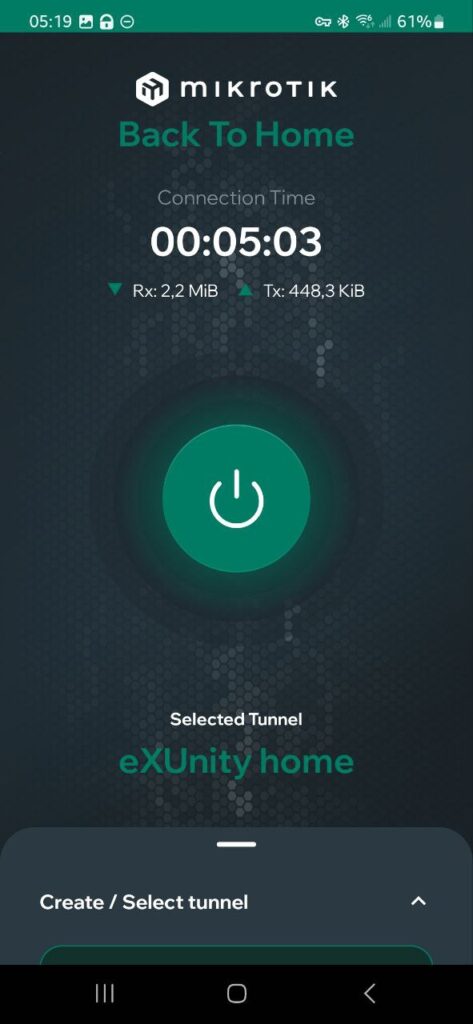
This new feature allows users to create a tunnel between their router and an Android mobile device with the MikroTik VPN — Back To Home app installed. An iPhone version is currently in development.
If your router has a public IP address, the app will use it for a direct connection. If the router is behind a NAT or firewall, the connection will be established through a MikroTik relay server. The connection is always end-to-end encrypted, with keys synchronized upon the app’s first local connection . Therefore, the relay server or any other «device in the middle» has no access to the keys themselves or to the data transmitted within the tunnel. Essentially, the relay server only facilitates communication between your device and the router. The connection will appear to originate from your router, not the relay server. Connecting through a relay server may result in limited speed.
This new feature will be available in the RouterOS 7.11 release. Those who want to try it out sooner can install the pre-release version rc1 now.
To enable Back to home VPN, go to IP > cloud, enable DDNS there, then go to the BTH VPN tab and activate the feature.
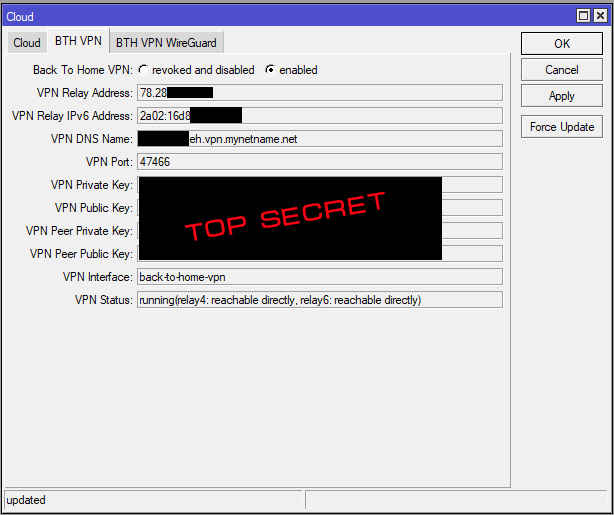
Then download the app and connect to your router.
As a reminder, in some cases filters in your firewall may restrict the operation of the new tunnel interface, so be sure to configure the rules accordingly.
More detailed information on this topic can be found at this link .