
Anyone who has a small child knows the fear that runs through your body when your child has become suspiciously quiet, out of sight of adults. ;)
Sure, you could follow them around and keep a close eye on them, but it’s much more convenient to place «eyes» throughout the house (or at least in the most dangerous areas) and monitor the situation without interrupting your work. And believe me, preventing a child’s curiosity can save you far more money than you’d spend on cameras!
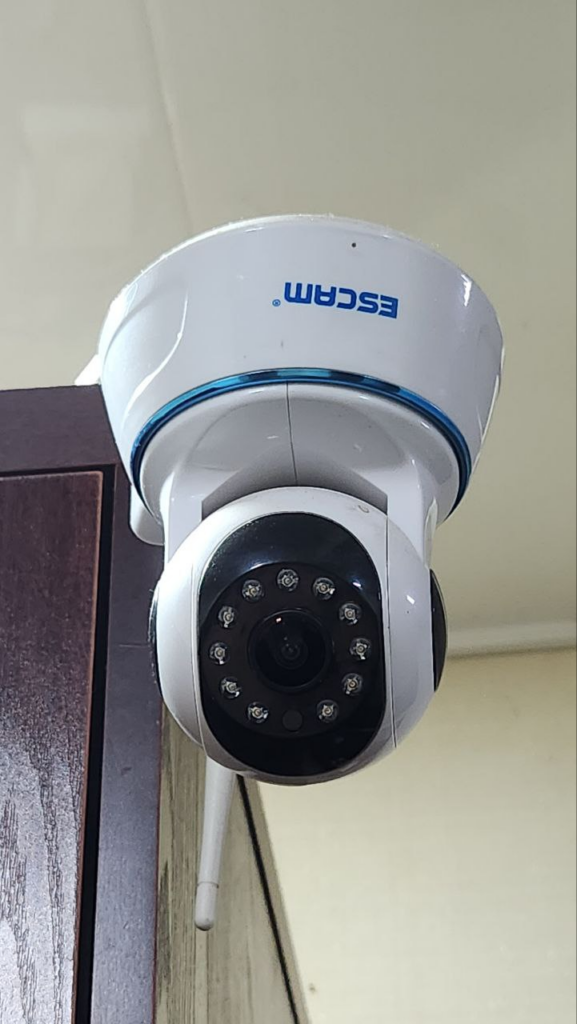
Even before my son was born, I already had a PTZ camera installed in my house. I needed it when my apartment was being renovated and I needed to keep an eye on my workers while I was doing my administrative work in another room. But I especially appreciated its usefulness once my little one started moving around the apartment independently.
As the years went by, the boy learned to reach anything using a stool and other improvised means… And now one camera in the hallway was clearly not enough. After all, the most dangerous area in the house for a child is the kitchen. So I decided to install another all-seeing eye there.
Shopping
There’s one important detail that complicated my choice of camera. I bought a cheap board from AliExpress a long time ago as a DVR. And I must admit, it’s well worth the $16. It’s a perfectly capable 8-channel NVR, based on the Chinese XMEye firmware. Similar firmware is found on almost all Chinese OEM DVRs and works quite well. There are three ways to connect the camera to this DVR: via the native XM protocol (preferred), via the Onvif protocol, or via RTSP. With the third option, you can forget about PTZ control. Sound likely won’t work either. For this reason, I immediately rule out the latter.
So, I needed to find an inexpensive camera that at least supported Onvif. And the devil made me believe the sales assistant who claimed the ezviz camera supported it!
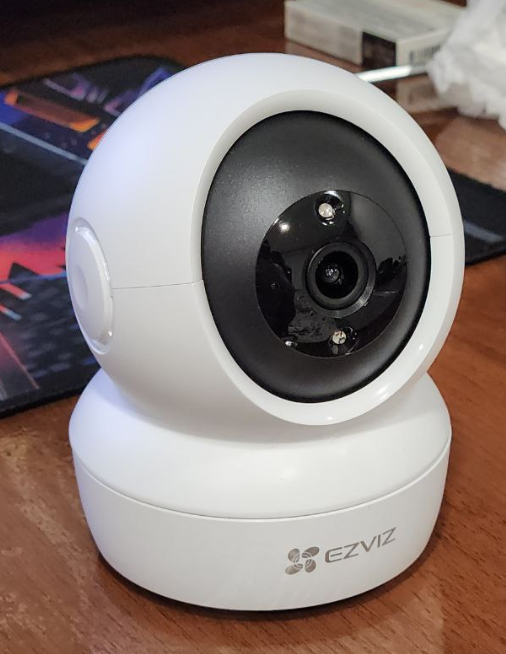
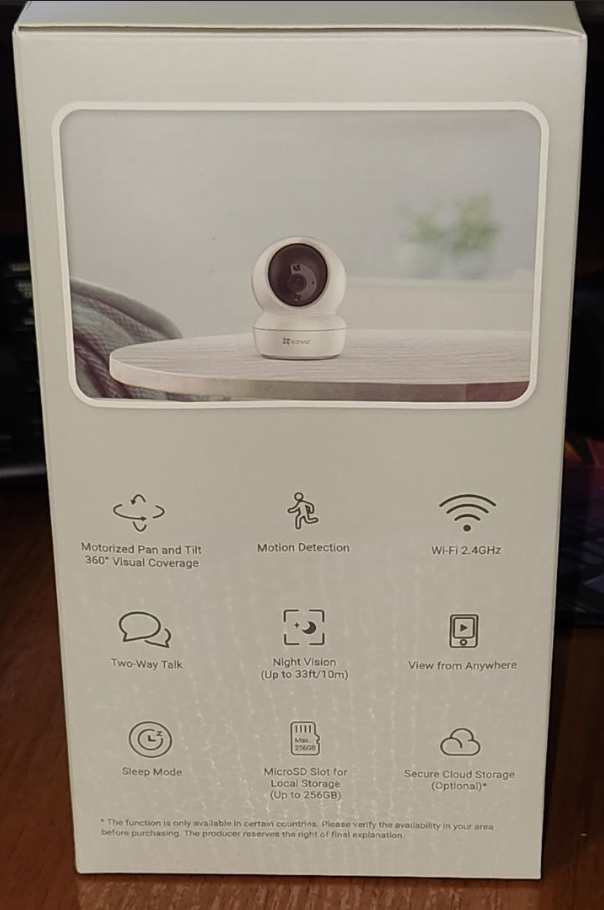
The ezviz CS-C6N camera has 2.4G Wi-Fi, an Ethernet port WITHOUT PoE support, a 2-megapixel matrix and a lens with a focal length of approximately 2.8″ (this is not specified anywhere), and supports an SD card with a capacity of up to 256 GB.
I got it for ~$34 (exactly 400,000 UZS).
The box says «smart home webcam,» which prompted me to try connecting it to my PC via USB. As expected, the computer didn’t detect any device, and the USB only supplies power. What the manufacturers meant by «smart» and «webcam» remains anyone’s guess…
Ezviz is a HikVision subbrand. This is precisely what confused me, as my surveillance system already included three different outdoor cameras from this company, all of which unconditionally supported Onvif. However, it turns out the ezviz CS-C6N model has nothing to do with them. This cyclops-like Russian doll has no web interface and is configured only through its own app.
I later managed to get it into the IVMS-4200 after about the fifth reset and access its settings from there. It turned out the device has an extremely limited set of settings, and the worst part is that it doesn’t support Onvif. Furthermore, the very slow rotating mechanism was extremely disappointing, something I never expected from such a popular brand.
As a result, I decided to install it in a different location, where there is already a HikVision recorder, with which it must be compatible.
Attempt number two
Having been epically disappointed, I went off to look for something that would actually suit me.
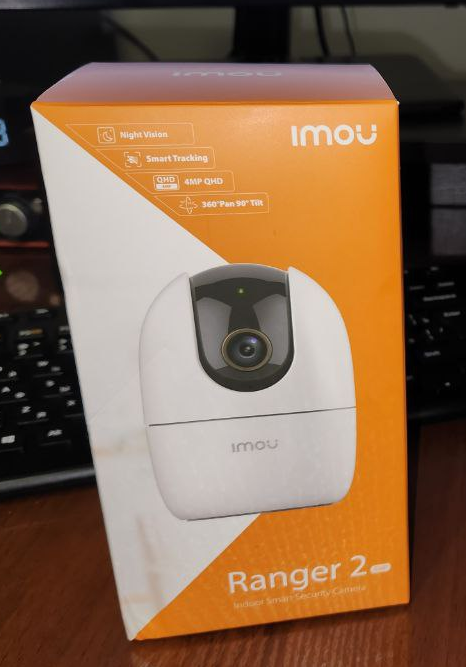
Sadly, local sellers are completely ignorant of the products they sell. I asked three different stores about Onvif support, and no one could give me a definitive answer about almost any of the cameras they had on display. I liked the imou Ranger 2 camera purely for its appearance and price, but for some reason, every seller insisted it works exclusively through a cloud service and had never heard of any Open Network Video Interface Forum. And there was no mention of this on the product box.
After a bit of digging online, I discovered that imou is also a subbrand, but this time from Dahua. I also learned that the «Ranger 2» model, in addition to the proprietary DH, actually supports Onvif. Why wouldn’t they have mentioned that on the box? The camera cost me the same as the previous one. But I got the 4-megapixel model, while the 2-megapixel one (similar to the EasyVision model) was $4 cheaper.
What do we have?
On board there is still the same Wi-Fi 2.4, Ethernet without PoE (too bad), 4 megapixel matrix, lens also about 2.8″, slot for SD card up to 256 GB, glitch-free operation via Onvif and several really smart functions that ezviz does not have.
Namely:
1) Sound detection (can be used as a baby monitor)
2) Human silhouette recognition
3) Tracking a moving object
4) Private Mode. When this feature is enabled, the camera «rolls its eye,» turning the lens inward so it can’t see anything. Useful if you’ve installed the camera in the bedroom… ;)
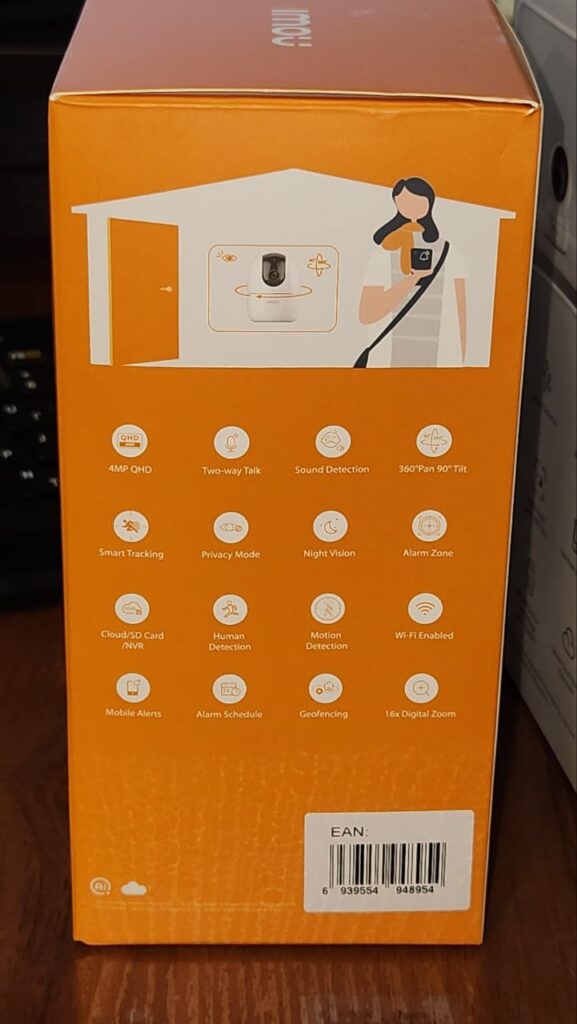
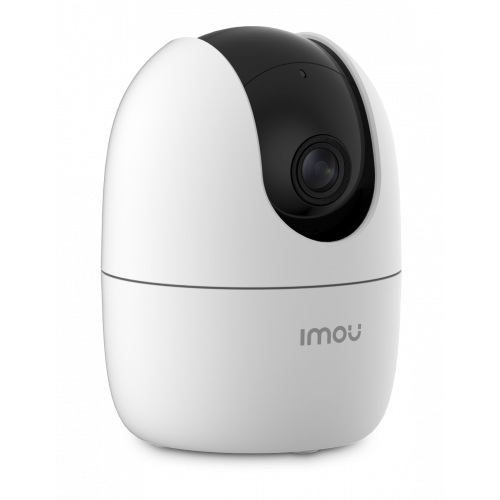
The camera also has excellent infrared illumination and a very fast pan/tilt mechanism. After changing the password through the built-in app, it connected seamlessly to my Chinese DVR, with full PTZ functionality and audio transmission. Once connected, you can easily cut off its internet connection to prevent your big slant-eyed brother from spying on you through his cloud storage. :)
It’s worth noting that many of my cameras were bought secondhand for literally $4 each. Almost all of them are from different manufacturers, and only a no-name Chinese recorder can easily connect to all of this without forcing their proprietary protocols on me. It’s ironic, but ultimately, no-name brands are far less of a hassle.