
Are you using FreePBX but missing its convenience and some of the paid features? Then you simply must read this article to the end.
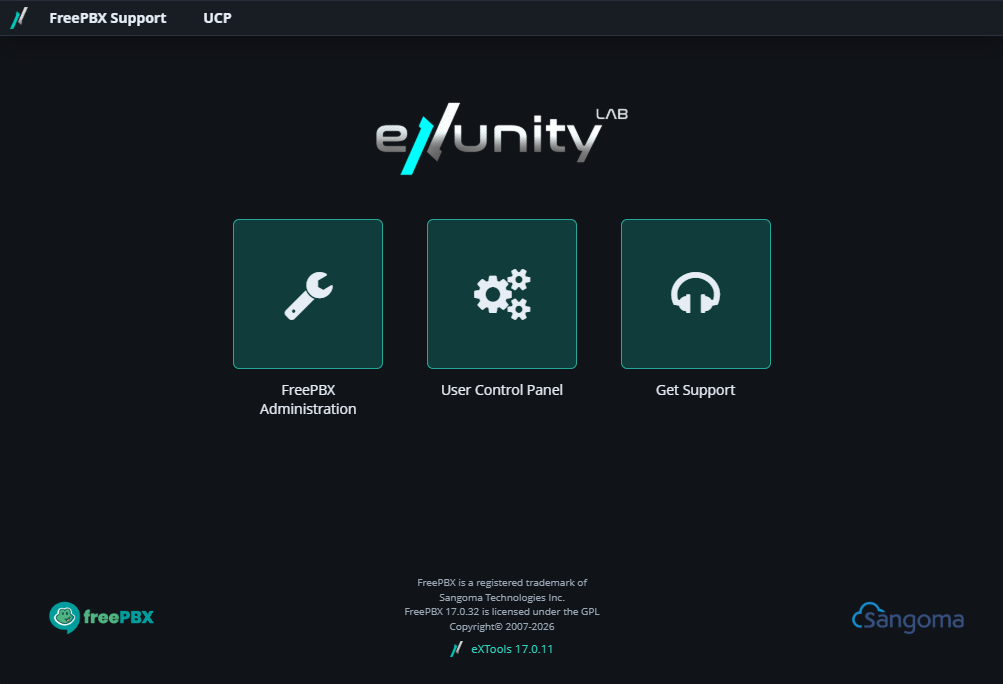
eXTools is an open, multifunctional module for FreePBX from eXUnity LAB . It extends the PBX’s capabilities to the level of mid-range enterprise solutions without affecting the core code, the original framework, or other modules. Installing this module does not affect the integrity of the FreePBX installation and does not conflict with subsequent updates.
Possibilities
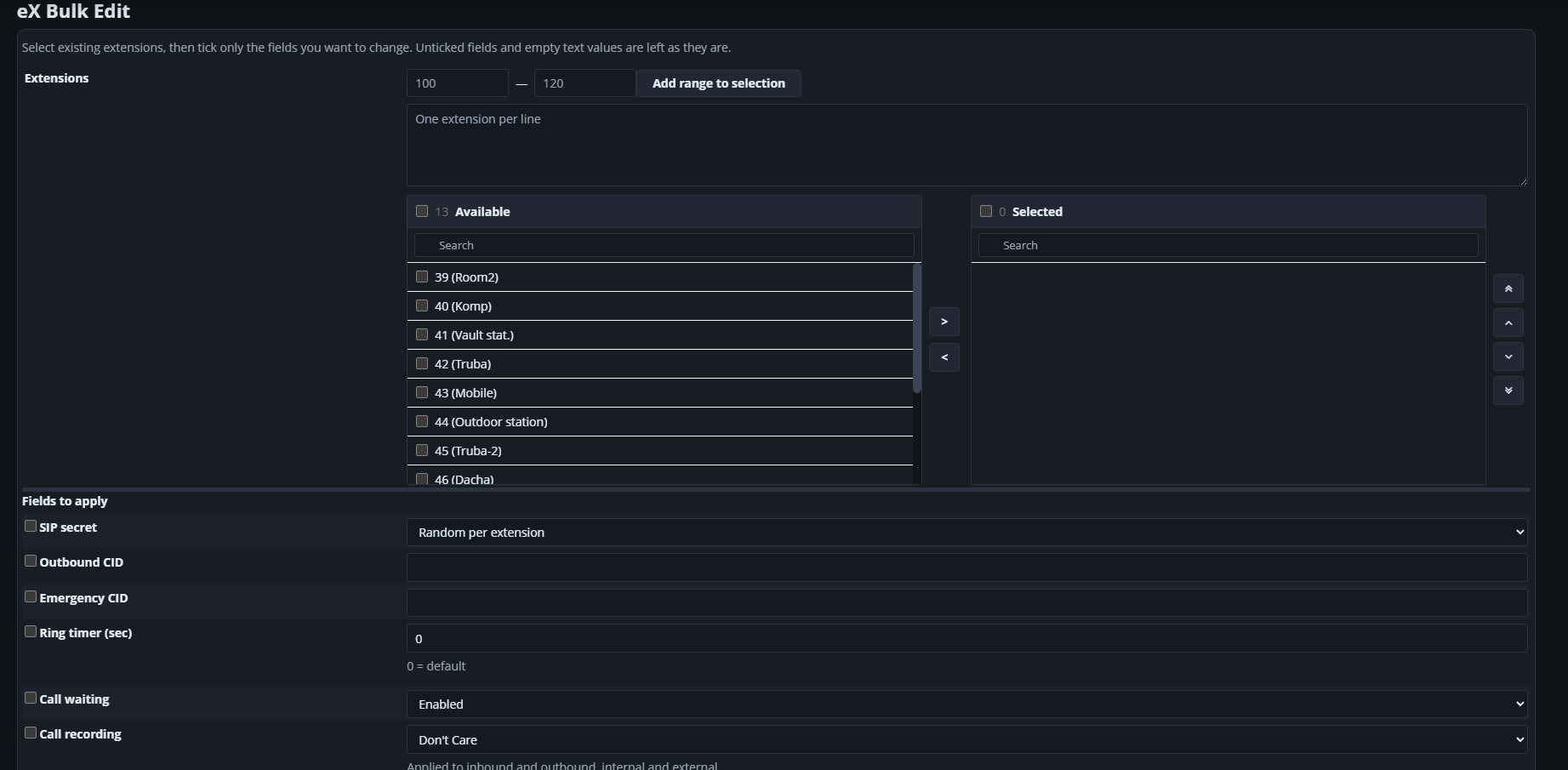
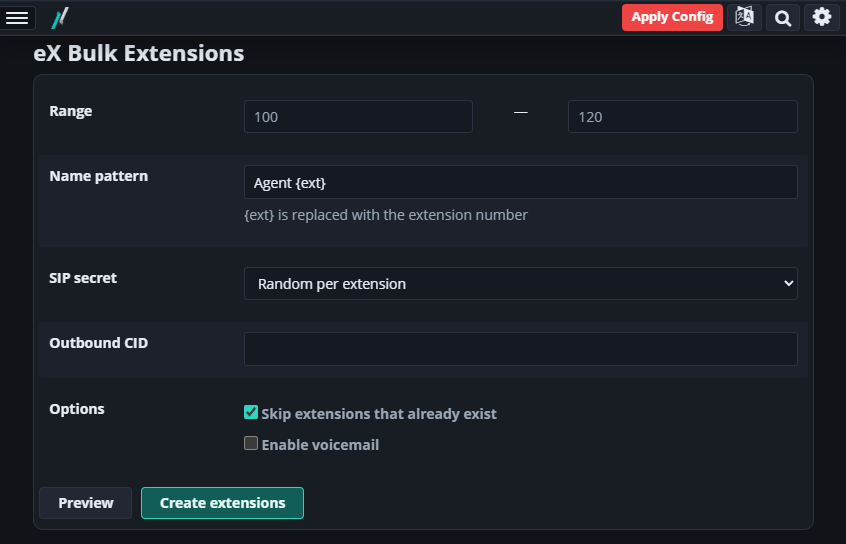
- Bulk operations with extensions (internal numbers): Creation by range, bulk editing of some extension parameters (including bulk password changes)
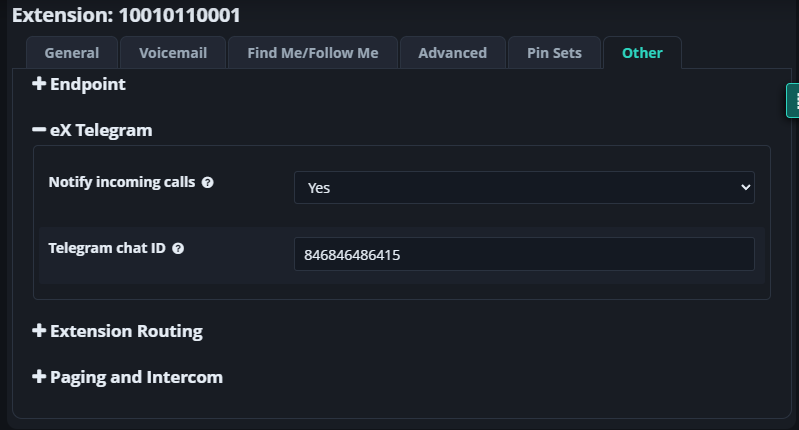
- Telegram — Incoming call notifications via your Telegram bot. You can assign separate ChatIDs to each extension.
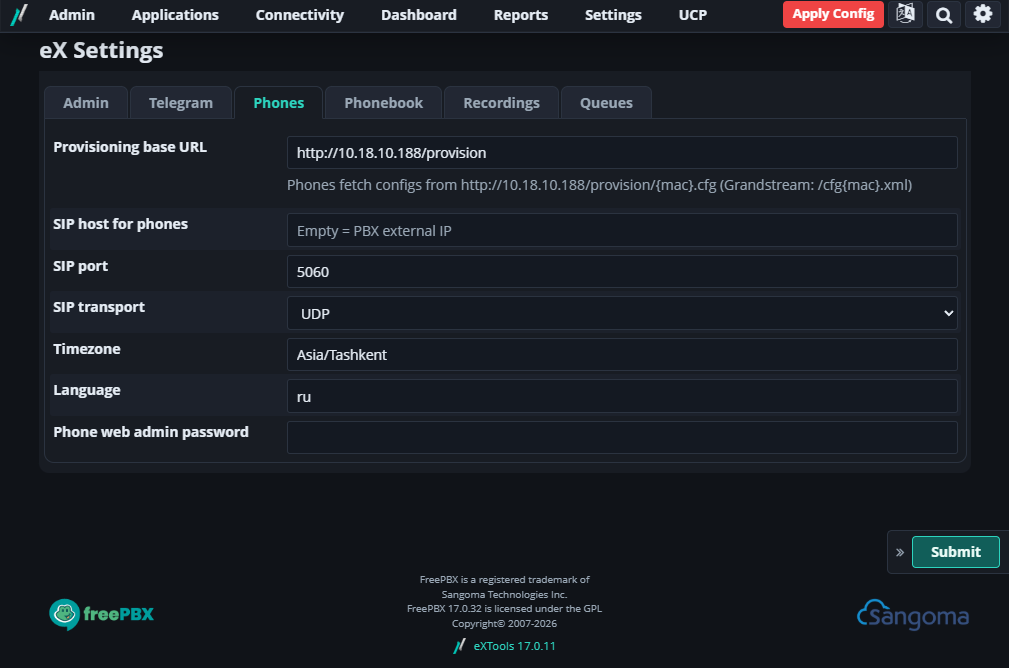
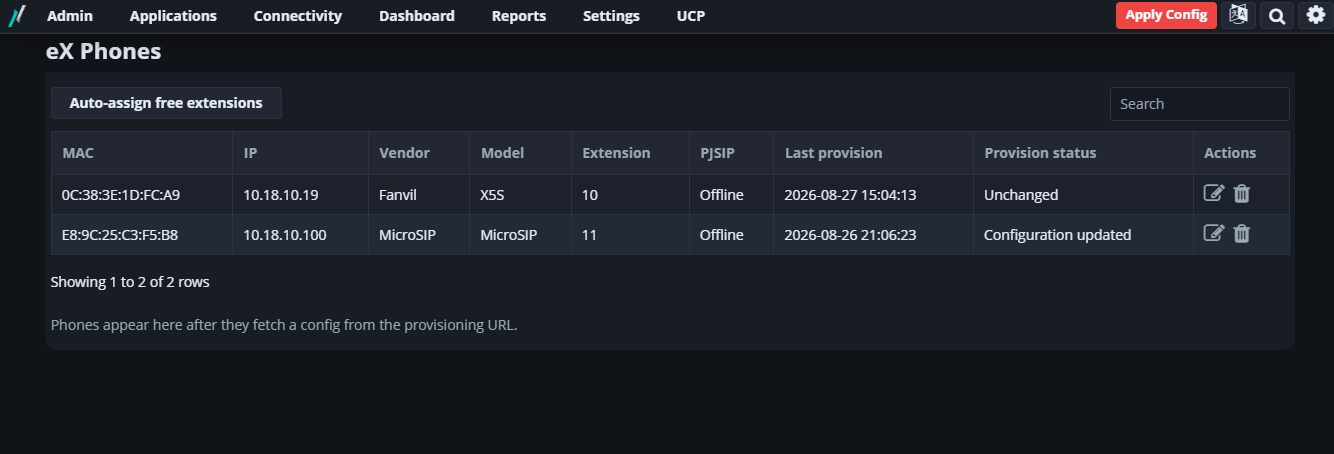
- Automatic phone configuration — HTTP provisioning, works in combination with Option 66 (requires configuration on your DHCP server) with support for Yealink, Grandstream, Fanvil, MicroSIP* (* A special MicroSIP build with support for receiving settings is required).
- Phonebook — Contact Manager groups and extension numbers in the device directory with download by URL.
- Outgoing Routes — Convenient bulk addition of CallerID to Dial Patterns.
- Queues and call groups — Convenient mass selection of agents;
- Sticky last agent — Returns the caller to the agent they previously spoke with.
- Recordings — Channel-by-channel stereo WAV (often used for working with AI), MP3 compression, automatic cleaning of old audio recordings upon expiration of the storage period.
- Alternative CDR display — A simplified and more visually appealing interface for viewing and listening to call recordings. Supports fast playback. Removes queued calls from the list, so you see only the information you need.
Installation
Runs under root.
fwconsole ma downloadinstall https://github.com/ibuben/freepbx-extools/releases/latest/download/exunity.tgz
fwconsole reload
The same command updates an already installed module.
Next, go to Admin → Module Admin: enable eXTools if it doesn’t turn on automatically, and Apply Config when prompted.
Unsigned Warning
The system will report that this module is unsigned, which is normal. Simply ignore the message. Do not disable SIGNATURECHECK on the live PBX.
After installation
- Settings → eX Settings — Theme, Telegram, Phones, Book, Notes, Queues
- Applications — Bulk Extensions, Bulk Edit, Phones, Phone Templates, Telegram Destinations
- Reports → eX Call History
Provisioning is provided from /provision/ to the PBX webroot (the directory is created during installation).
Requirements
- FreePBX 17, framework and Core ≥ 17.0.1
- Optional: Contact Manager; ffmpeg / sox / lame (voice in Telegram, stereo, MP3)
Project repository: https://github.com/ibuben/freepbx-extools/